Kids Gift Guide
How to Choose a Kids Digital Camera: A Parent’s Guide
A kids digital camera can encourage creativity, storytelling, and curiosity without requiring a smartphone. This guide explains what parents should compare before choosing a camera for a child.
Children often notice details that adults overlook: a colorful leaf, a funny expression, a favorite toy, or an interesting shape on a walk. A simple digital camera gives them a way to record those observations and turn them into stories, games, and creative projects.
When choosing a camera for a child, the most important features are not always the biggest numbers on the product page. Simple controls, comfortable handling, appropriate accessories, and reliable adult supervision can make the experience more enjoyable.
1. Start With the Child’s Age and Interests
The right kids digital camera depends on how the child likes to play and create. A young child may prefer large buttons, simple controls, playful frames, and a lightweight design. An older child may enjoy video recording, creative projects, a camera stand, or more control over how pictures are taken.
Think about what the child is most likely to photograph:
- Family trips and outdoor adventures
- Favorite toys and collectibles
- Art projects and building creations
- Pets and nature observations
- Photo stories and pretend play
Choose a camera that supports those interests instead of choosing features that the child may never use.
2. Look for Simple, Child-Friendly Controls
A kids camera should be easy to understand. Large buttons, a clear menu, and simple photo and video controls can help children start creating without needing constant technical help.
Before buying, check whether the camera includes:
- A straightforward photo button
- A simple way to switch between photo and video modes
- Easy-to-understand menu icons
- Photo frames or creative effects
- Instructions that explain charging and operation clearly
Some children enjoy built-in games and frames, while others prefer a more focused photography experience. Consider the child’s attention span and whether the goal is photography, creative play, or both.
3. Compare Photo and Video Features Carefully
Many children enjoy recording short videos as much as taking photographs. If video is important, check the stated video resolution and confirm what the selected product variant supports.
The Kids Digital Camera with Stand from Baby Welfare is listed with 1080p video recording, photo frames, simple games, and a rechargeable battery. Product specifications can vary by color or selected variant, so review the product page and included manual before purchase.
Remember that a higher resolution number does not automatically mean a better experience for a child. Ease of use, storage, battery handling, and the child’s ability to frame a picture may matter more for everyday creative play.
4. Check Battery and Charging Details
A rechargeable camera can be convenient for family trips and regular use, but children should not charge electronic products without adult guidance.
Before purchasing, check:
- Whether the battery is rechargeable
- Which cable or adapter is included
- How the charging port is protected
- Whether the product manual explains charging clearly
- Whether an adult can keep the charging accessories stored safely
Keep cables, adapters, lanyards, and other small accessories away from very young children. Follow the manufacturer’s instructions and recommended age guidance.
5. Consider a Stand, Lanyard, or Carrying Accessory
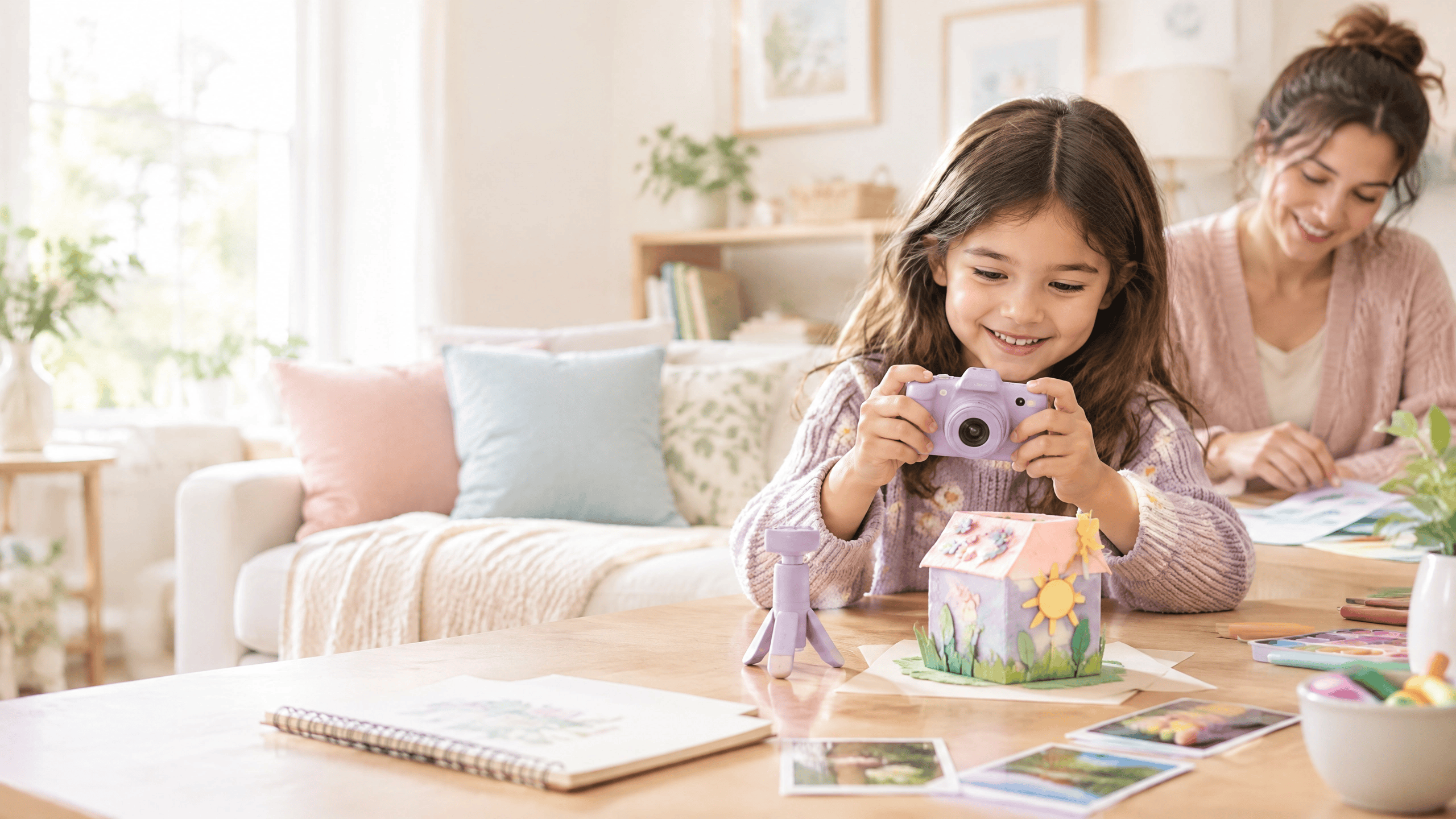
Accessories can make a children’s camera more useful. A lanyard can make it easier to carry during supervised outings, while a stand can support hands-free display or creative projects at home.
However, accessories also need supervision. A lanyard and small attachments should not be used as chew toys, and children should not wear or carry them in situations where they could become caught. Store accessories safely when the camera is not being used.
A stand can also support activities such as:
- Recording a short family story
- Making a pretend news report
- Creating a stop-motion-style picture sequence
- Photographing artwork from a steady position
- Recording a child’s explanation of a science project
6. Choose a Camera That Encourages Creative Projects
The best kids digital camera is one that gives children something to do with their pictures. Instead of focusing only on taking random photos, offer simple projects that encourage observation and storytelling.
Five easy camera projects for kids
- Color hunt: Find and photograph five objects in one color.
- Photo story: Take five pictures with a beginning, middle, and ending.
- Shape search: Photograph circles, squares, triangles, and unusual shapes around the home.
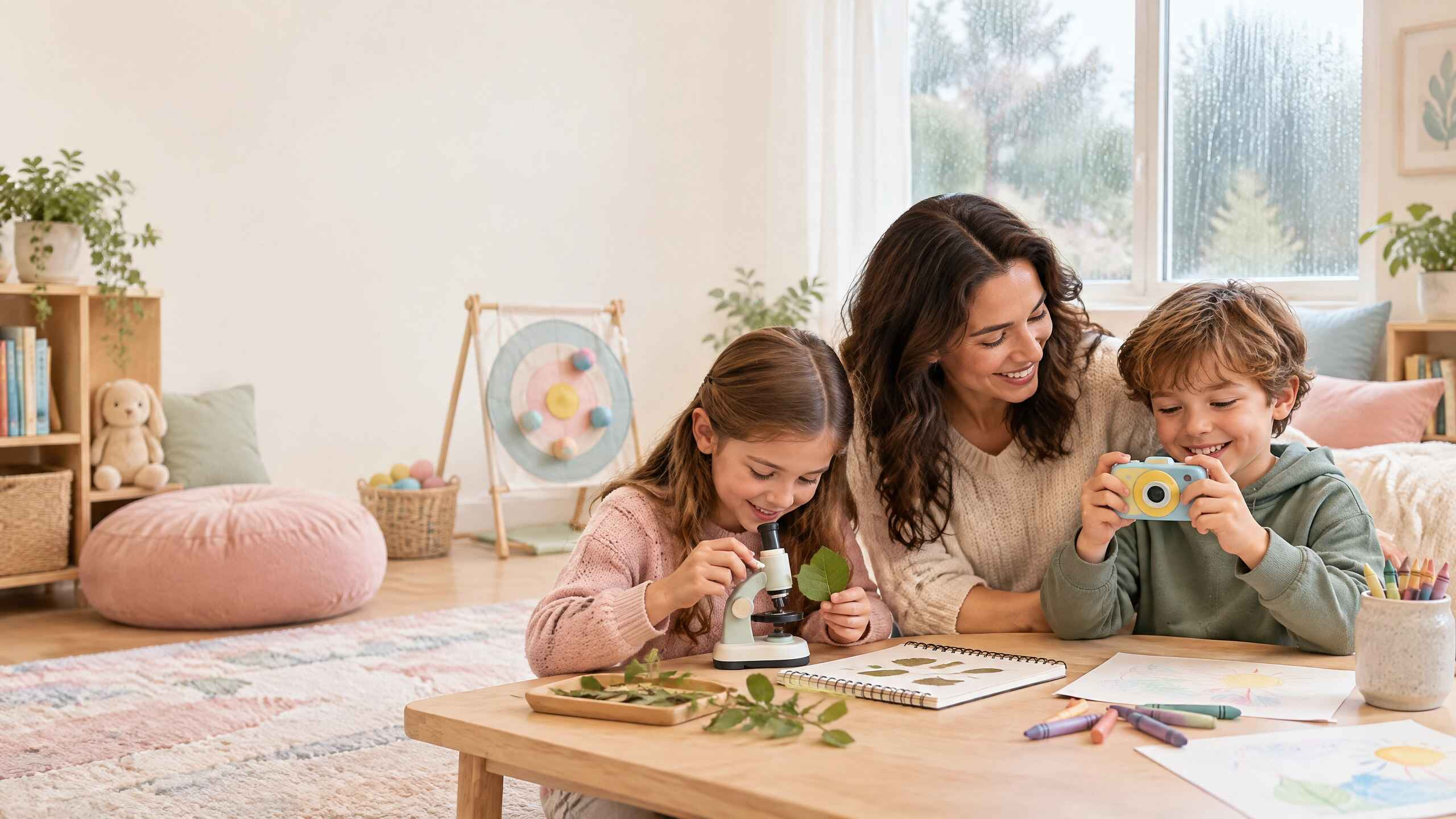
- Nature notes: Photograph a leaf, flower, or safe outdoor object and write down what was noticed.
- Family interview: Ask a family member a few questions and record a short supervised video.
These projects help children practice planning, communication, sequencing, and careful observation while using the camera.
7. Review Safety and Privacy Before Use
Children should use a digital camera with age-appropriate adult guidance. Before the first activity, show the child how to hold the camera, use the buttons, store the accessories, and ask permission before photographing other people.
Parents should also decide where photos and videos may be shared. Teach children that they should not photograph or share private information, home addresses, school details, or images of other people without permission.
For younger children, supervise photography closely. Keep small parts and charging accessories away from children who may place them in their mouths. Follow all manufacturer warnings and instructions.
Why a Kids Camera Can Be a Thoughtful Gift
A kids digital camera can be more than an electronic toy. It can support creative expression, memory-making, storytelling, and observation. It may also give a child a way to participate in family trips and projects without borrowing an adult’s phone.
The best results come when adults treat the camera as a tool for exploration. Ask the child what they noticed, why they chose a subject, and what story they want to tell. The conversation around the picture can be just as valuable as the picture itself.
Explore the Kids Digital Camera with Stand
Quick Buying Checklist
Before choosing a kids digital camera, confirm that:
- The recommended age range is suitable for the child.
- The buttons and menus are simple enough for the intended user.
- The listed photo and video features match the selected variant.
- The battery, cable, adapter, and charging instructions are clear.
- The included accessories are useful and age-appropriate.
- The camera is comfortable for the child to hold.
- The product page explains shipping, returns, and what is included.
- The child will have creative projects to try after opening the gift.
Frequently Asked Questions
What should I look for in a kids digital camera?
Look for simple controls, a comfortable size, clear product specifications, a rechargeable battery if needed, useful accessories, and age-appropriate safety guidance. Choose features that match how the child will actually use the camera.
Is a kids digital camera a good birthday gift?
A kids digital camera can be a thoughtful birthday gift for a child who enjoys storytelling, photography, pretend play, travel, or creative projects. Adults should review the age guidance and supervise charging and use.
Do kids cameras take videos?
Some kids digital cameras include video recording. Check the specific product listing and selected variant for the supported video resolution and included accessories.
Should a child use a camera lanyard?
A lanyard can make a camera easier to carry, but it should be used with adult guidance. Keep it away from very young children and follow the manufacturer’s instructions.
How can I make a kids camera educational?
Give the child photography challenges such as a color hunt, shape search, nature journal, photo story, or family interview. These activities can encourage observation, planning, communication, and sequencing.
How do I teach children about photo privacy?
Teach children to ask permission before photographing or sharing pictures of other people. Explain that private information such as addresses, school details, and personal documents should not be photographed or shared.